DICOM to NIfTI converter (online)
Convert a DICOM series to a NIfTI (.nii.gz) file entirely in your browser. It uses dcm2niix compiled to WebAssembly, so files are never uploaded and DICOM identity tags are dropped in the process.
Drop your scan or report here
DICOM, images (JPG/PNG) or a report PDF — add it all together
- Encrypted in transit & at rest
- You control deletion
- We never sell your data
- Results in minutes, not days
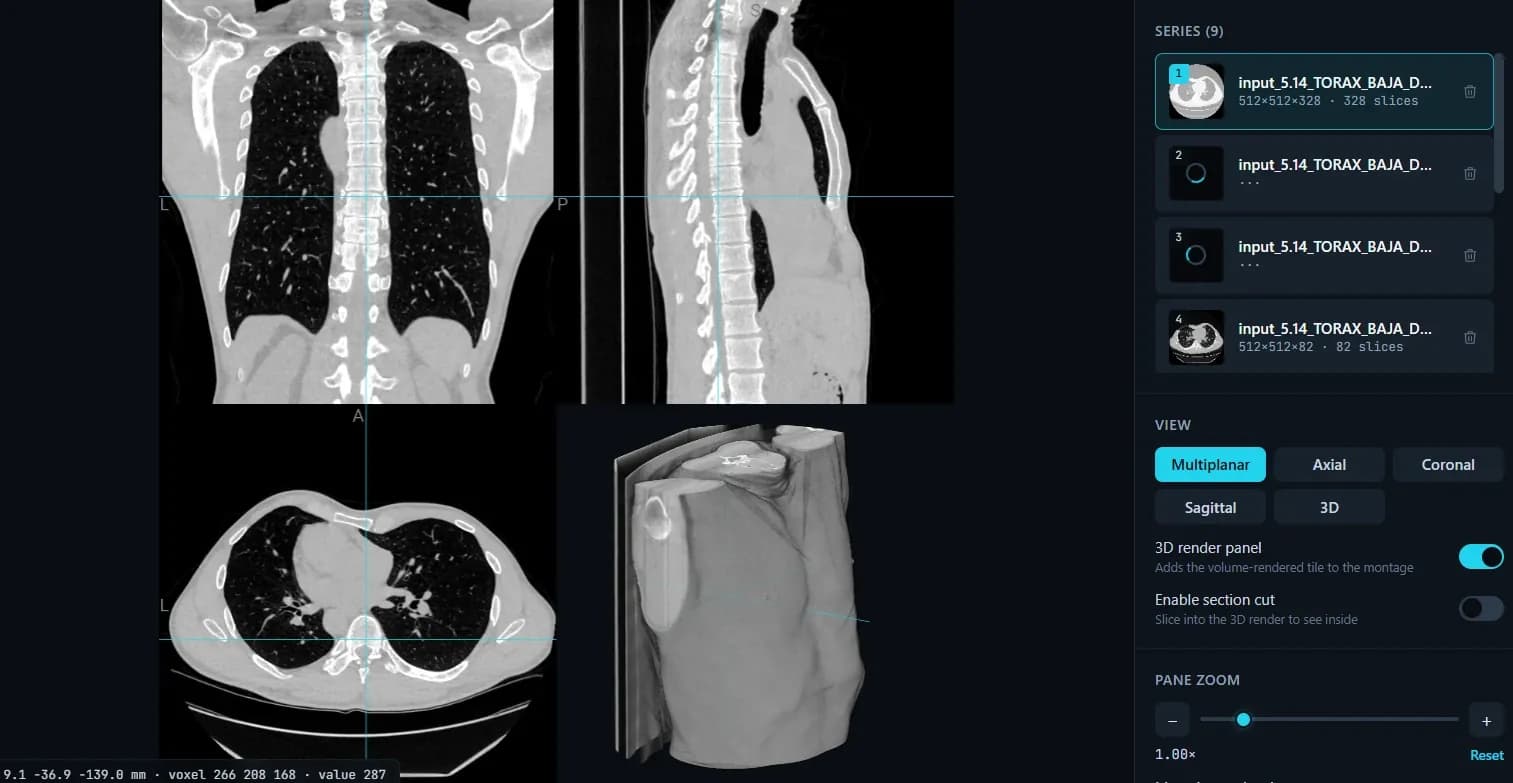
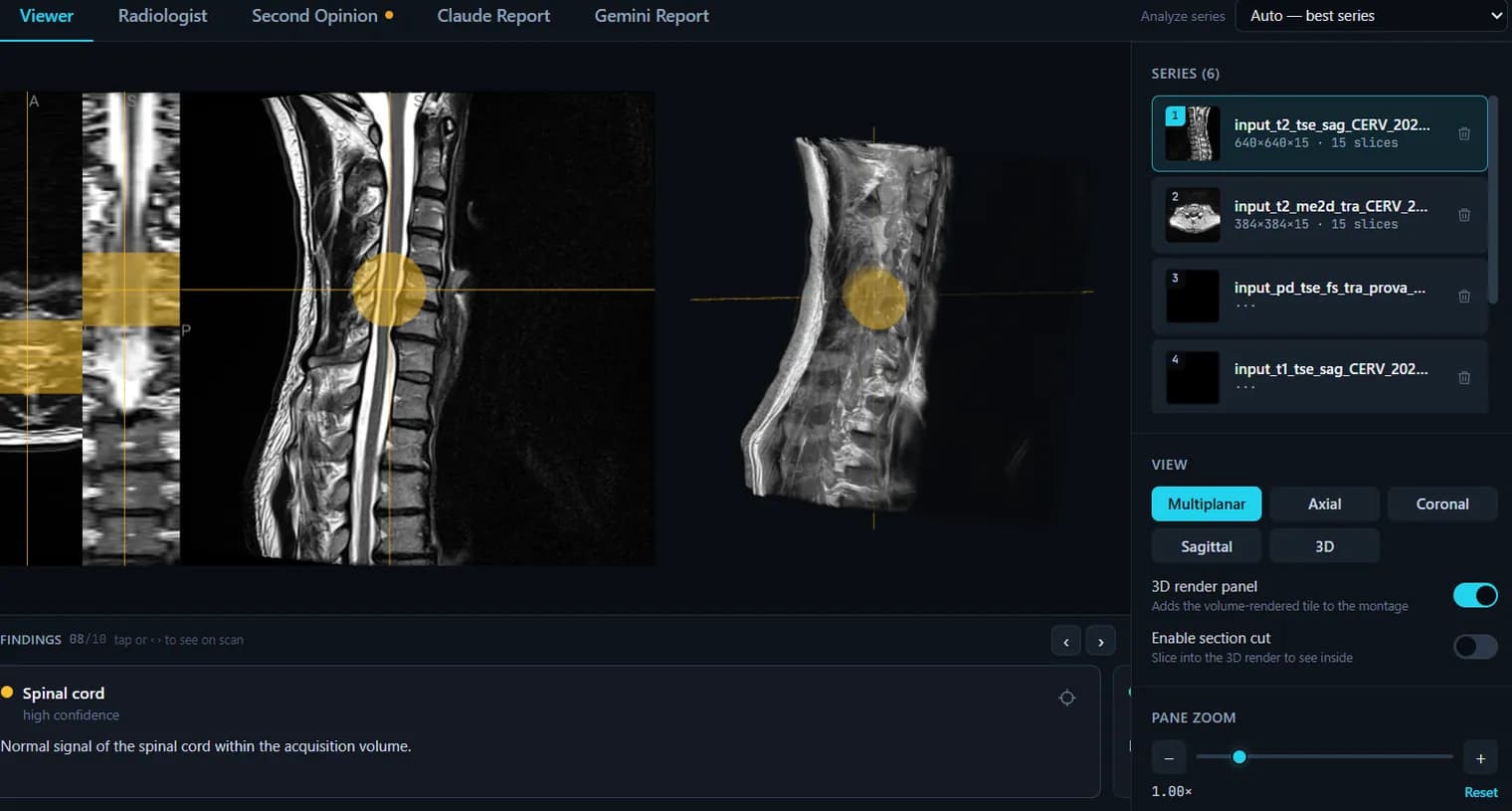
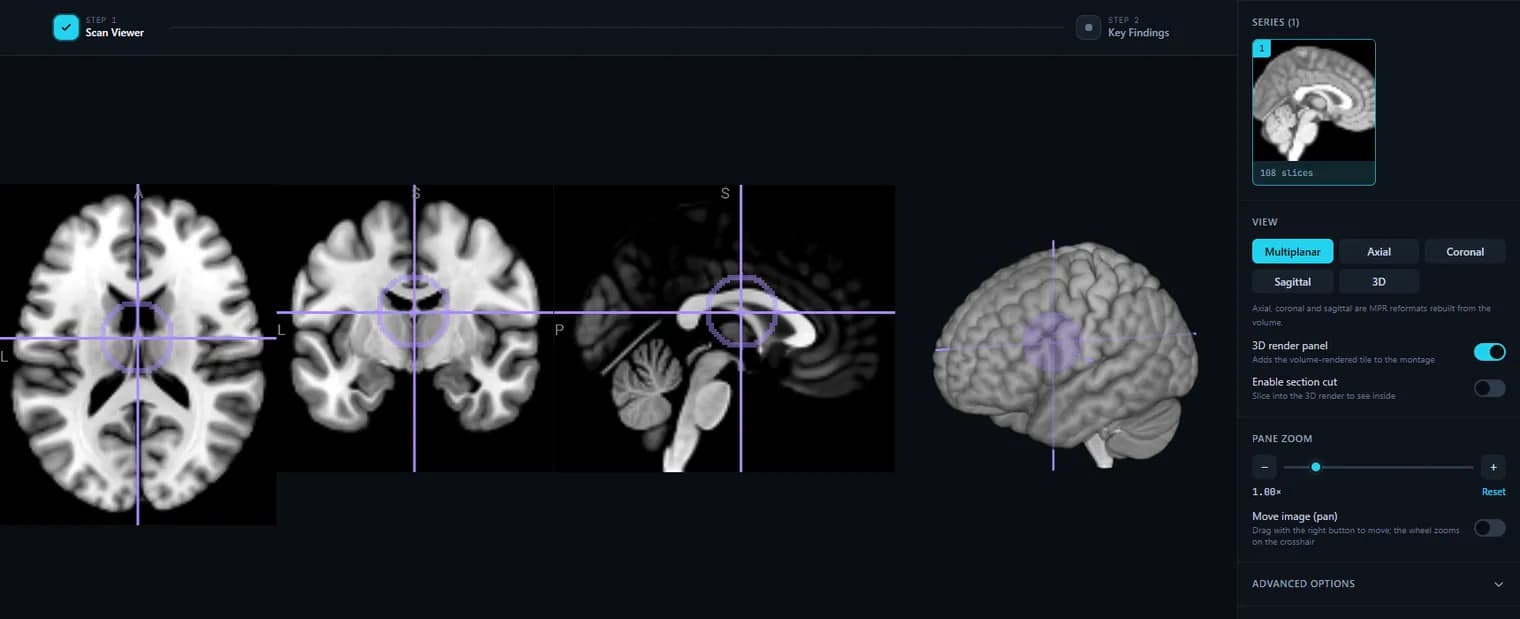
Opens: A folder of DICOM (.dcm) files. · Files are processed in your browser — nothing is uploaded.
What this tool does
It is the real dcm2niix, compiled to WebAssembly
Not a re-implementation: the same converter people run from the command line, built to WASM and executed by your browser. Orientation, slice ordering and the affine come out of the same code that produced the .nii.gz files already in your pipeline.
No Python, no install, no admin rights
Nothing to pip install, nothing to compile, no conda environment, and no software request to a locked-down work or hospital laptop. Open the page, pick the folder, get the file.
Every series in the study is converted
Point it at the study folder and each series is converted and listed separately with its description and slice count, so a multi-sequence MRI or a multi-pass CT gives you one volume per series rather than one merged mess.
The output is gzip-compressed NIfTI (.nii.gz)
The standard single-file format that FSL, SPM, ANTs, FreeSurfer, nibabel, 3D Slicer, ITK-SNAP and the rest read directly.
Identity tags are dropped by the conversion
A NIfTI header has no field for a patient name, ID, birth date or accession number, so those DICOM tags do not survive the conversion — the exported file carries the image and its geometry. Note the boundary: that removes tags, not identity burned into the pixels, and a head volume can still be face-recognisable. Defacing is a separate step.
Your DICOM never leaves the machine
The conversion happens in your browser, so the study is not uploaded to a converter service. For data under an IRB, a DUA or a hospital policy, that is the difference between using a web tool and filing paperwork about it.
DICOM vs NIfTI, briefly
DICOM is one file per slice plus a large header of acquisition and patient metadata — the hospital transport format. NIfTI is one file for the whole volume with a compact header describing dimensions, voxel spacing and orientation — the analysis format. Converting is what you do when a research tool refuses a folder of .dcm files.
When to use desktop dcm2niix instead
This tool writes the volume. It does not emit the BIDS JSON sidecar, the .bval/.bvec pair for diffusion, or a batch of studies in one run, and a browser cannot decode every compressed transfer syntax (JPEG 2000 in particular). For a BIDS conversion, a DWI series or a whole archive, run dcm2niix on the desktop — this page is for the one study you need converted now.
How to use it
- 1.Click “Upload DICOM folder” and select your DICOM series.
- 2.It is converted to NIfTI in your browser (dcm2niix WASM), with PHI tags removed.
- 3.Click “Export volume (.nii.gz)” to download the converted, de-identified NIfTI.
FAQ
- Is the DICOM to NIfTI conversion done in the browser?
- Yes. dcm2niix runs as WebAssembly locally, so your DICOM files are not uploaded to any server.
- Does the NIfTI keep patient identity tags?
- No. The conversion produces a NIfTI whose DICOM identity tags have been stripped, so the exported file is de-identified.
- What output format do I get?
- A gzip-compressed NIfTI (.nii.gz), the standard format for neuroimaging and research pipelines.
Want your scan explained in plain language?
The viewer is free — and so is understanding your radiologist’s report. Create an account, upload your scan (de-identified in your browser) and your report, and every finding is mapped onto the images, explained in plain language and scored — no card needed. An independent AI reading of the images is a paid extra. Informational only — not a medical diagnosis.