Free online mammogram viewer
Open mammography DICOM images in your browser and zoom into the full-resolution detail. Files are decoded locally — nothing is uploaded — so your images stay private on your device.
Drop your scan or report here
DICOM, images (JPG/PNG) or a report PDF — add it all together
- Encrypted in transit & at rest
- You control deletion
- We never sell your data
- Results in minutes, not days
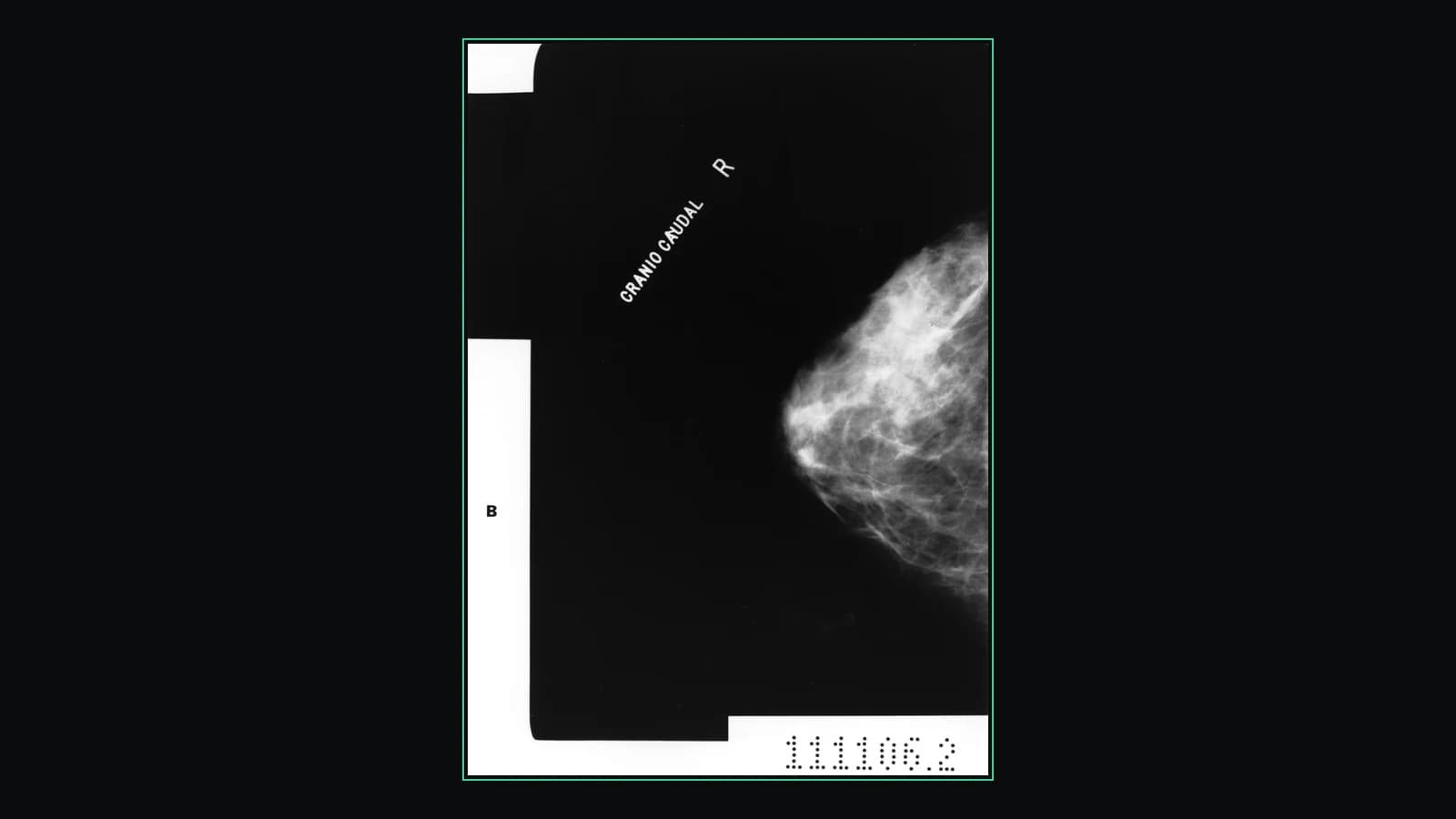
Opens: A folder of DICOM (.dcm) mammography files. · Files are processed in your browser — nothing is uploaded.
What this tool does
Full-resolution zoom, which is the whole point
A mammogram is a very large, very high-resolution image, and what a report describes — a cluster of microcalcifications, a spiculated margin — can be a handful of pixels on a screen-fitted view. Wheel-zoom on the crosshair and right-drag to pan into the detail at native resolution.
All four standard views, as separate images
A screening study is normally RCC, LCC, RMLO and LMLO. Each arrives as its own entry in the series list with its description, so you can move between left and right and between the craniocaudal and oblique projections.
Window and contrast control
Drag on the image to window it live, or set an exact intensity range. Dense fibroglandular tissue and fat sit close together on a mammogram; the contrast setting is what separates them.
Save a view as a PNG
Export exactly what is on screen — zoomed and windowed on the area you were asked about — as an image you can keep or send.
Private, and installed nowhere
The DICOM files are decoded in your browser and the free viewer uploads nothing. No account, no software, and no copy of your mammogram on anyone’s server.
What it does not do
No CAD marks, no automatic density category, no side-by-side prior-year comparison layout, and no measurement tools. Tomosynthesis (DBT) studies are volumetric and very large — they may load only at reduced resolution, and this viewer is not built for reading them. It is not a diagnostic-grade mammography workstation, which by regulation is a specific, calibrated class of display, and nothing here decides whether a mammogram is normal.
How to use it
- 1.Click “Upload DICOM folder” and choose your mammogram study.
- 2.The images are decoded in your browser and shown at full resolution.
- 3.Zoom and pan to inspect the detail, and adjust the window.
FAQ
- Is this mammogram viewer free?
- Yes. Viewing mammography DICOM files here is completely free and needs no account.
- Are my mammogram images uploaded to a server?
- No. The files are decoded locally in your browser, so your images never leave your device.
- Can it explain what my mammogram shows?
- The viewer is free. For a plain-language explanation you can create an account and run an AI report on your uploaded, de-identified scan.
Want your scan explained in plain language?
The viewer is free — and so is understanding your radiologist’s report. Create an account, upload your scan (de-identified in your browser) and your report, and every finding is mapped onto the images, explained in plain language and scored — no card needed. An independent AI reading of the images is a paid extra. Informational only — not a medical diagnosis.