X-ray viewer online
Open an X-ray as a photo or scan (JPG/PNG) or a DICOM radiograph, right in your browser. Your image is processed locally and never uploaded when you use the free viewer.
Drop your scan or report here
DICOM, images (JPG/PNG) or a report PDF — add it all together
- Encrypted in transit & at rest
- You control deletion
- We never sell your data
- Results in minutes, not days
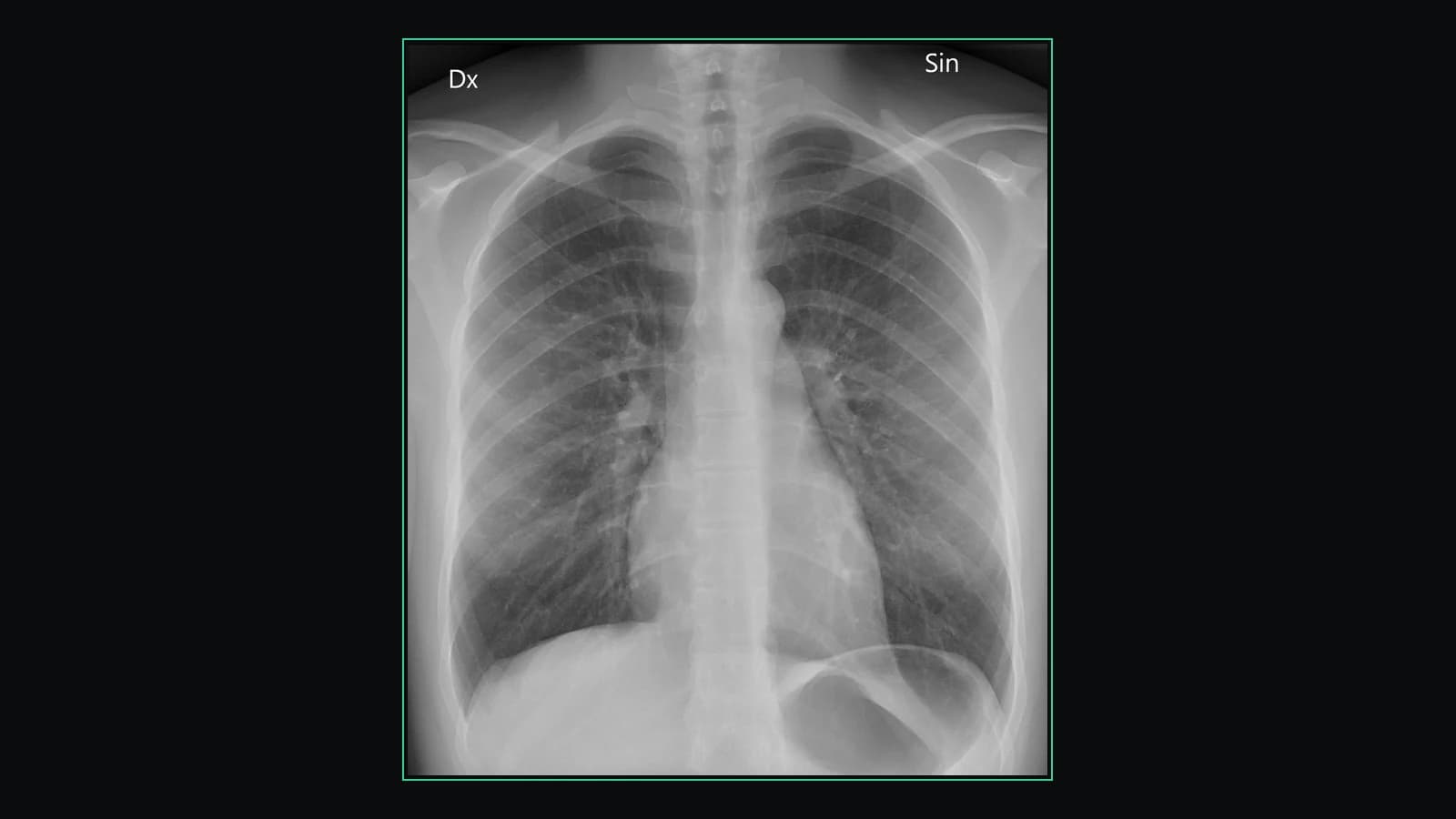
Opens: An X-ray image (JPG, PNG) or a DICOM radiograph. · Files are processed in your browser — nothing is uploaded.
What this tool does
Opens both kinds of X-ray file you are likely to have
A DICOM radiograph (.dcm) from a hospital CD, and an ordinary JPG or PNG — the download from a patient portal, or a photograph you took of the film on a lightbox. Choose the matching option and either one opens.
For portal downloads: what you actually got
MyChart and similar portals usually show images in their own web viewer and let you download either a JPG/PNG or the full DICOM study. The JPG opens here directly; if you were given the DICOM export as an archive, unzip it first and point the DICOM option at the resulting folder.
Zoom to the full resolution of the image
A chest radiograph is a large image squeezed into a screen-sized frame, and the finding your report describes may be a few pixels across at that size. Zoom on the crosshair with the wheel and pan with a right-drag to inspect it at native resolution.
Contrast you can drag
Drag on the image to change the window live, or set an exact intensity range. Bone and soft tissue on a radiograph sit at very different brightnesses; one fixed rendering hides one of them.
Save the view as a PNG
Download exactly what is on screen — zoomed, windowed, framed on the region you care about — as a PNG you can attach to a message to a doctor or keep with your notes.
Private by construction
The image is read by your browser and drawn on your own screen. With the free viewer nothing is uploaded, so a photograph of a film or a portal download does not become a file on someone else’s server.
Works on the machine you already have
A browser with WebGL2 on Windows, macOS, Linux, ChromeOS, a tablet or a phone. No install, no account, no plug-in.
What it does not do
It shows the image; it does not decide whether the image is normal, and there are no measurement or annotation tools. It is not a diagnostic-grade display. A plain-language AI reading of a radiograph is a separate, optional part of the product and is informational only — never a diagnosis, and never a substitute for the radiologist who reads it.
How to use it
- 1.Click “X-ray image” and choose your JPG/PNG, or use the DICOM option for a .dcm radiograph.
- 2.The image opens in the viewer; zoom and adjust the window to inspect it.
- 3.Optional: create an account for a plain-language AI reading of the X-ray.
FAQ
- Can I view an X-ray photo (JPG/PNG)?
- Yes. The “X-ray image” option opens a JPG or PNG photo of a radiograph directly.
- Is my X-ray uploaded to a server?
- No — with the free viewer the image is read in your browser and stays on your device.
- Can it read my X-ray?
- An optional AI report can describe an X-ray in plain language. It is informational only and not a medical diagnosis.
Want your scan explained in plain language?
The viewer is free — and so is understanding your radiologist’s report. Create an account, upload your scan (de-identified in your browser) and your report, and every finding is mapped onto the images, explained in plain language and scored — no card needed. An independent AI reading of the images is a paid extra. Informational only — not a medical diagnosis.