Free online ultrasound (DICOM) viewer
Open ultrasound DICOM images directly in your browser. Everything is decoded locally, so your scan never leaves your device — no upload, no software to install.
Drop your scan or report here
DICOM, images (JPG/PNG) or a report PDF — add it all together
- Encrypted in transit & at rest
- You control deletion
- We never sell your data
- Results in minutes, not days
Opens: A folder of DICOM (.dcm) ultrasound files. · Files are processed in your browser — nothing is uploaded.
What this tool does
Opens the DICOM export of an ultrasound study
Point it at the folder from your disc or export and the images are decoded in the browser. An ultrasound study comes as a set of captured images rather than one continuous stack, and each one is available.
Every capture in the study, listed
The series list shows what the study contains, with descriptions, so you can move between the images the sonographer saved rather than scrolling blindly.
Zoom and pan at full resolution
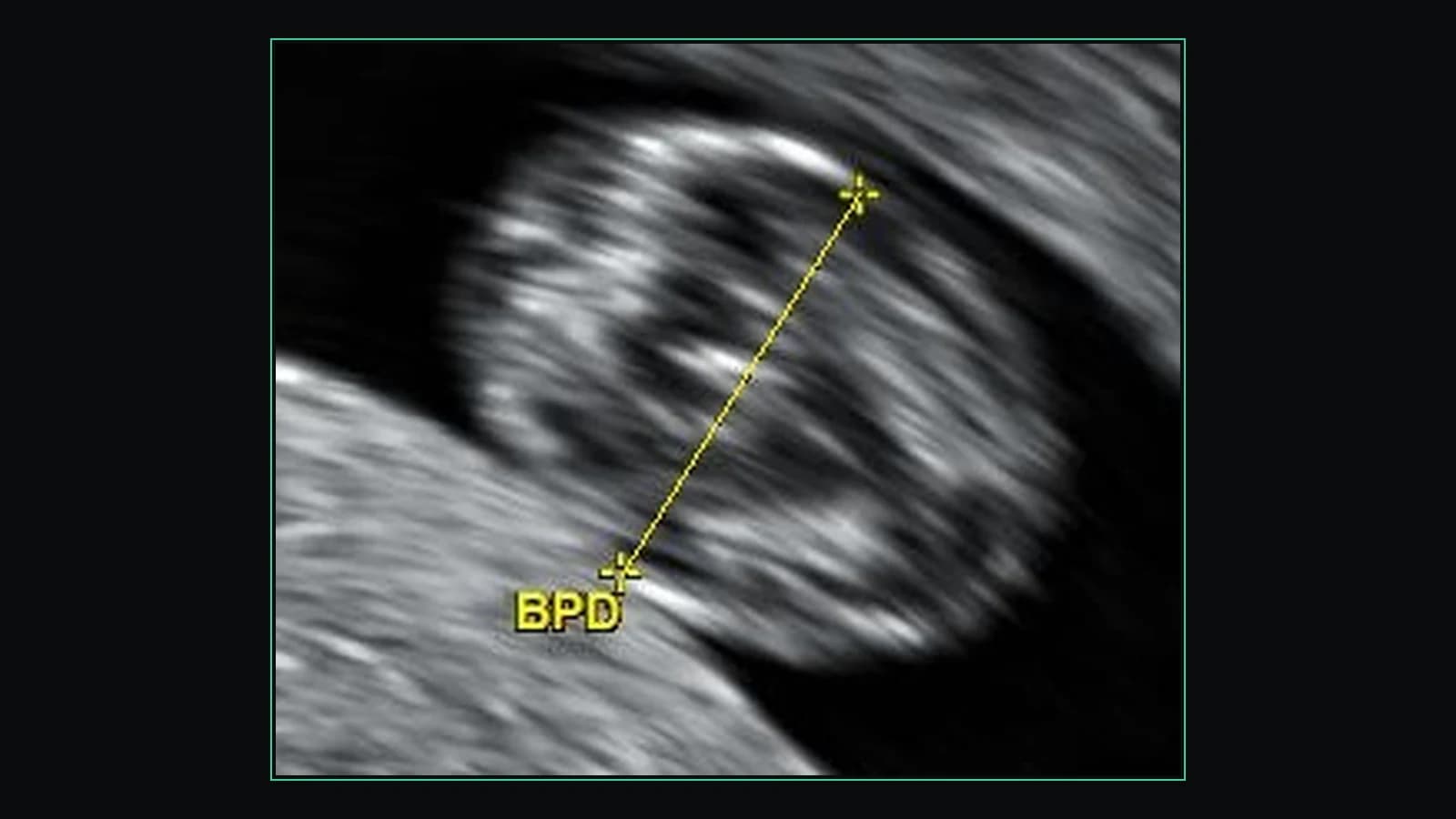
Wheel-zoom on the crosshair and right-drag to pan. Ultrasound images are small and grainy by nature, and the measurement callipers the sonographer left on the image are often only legible zoomed in.
Adjustable contrast
Drag on the image, or set an exact intensity range, to bring out a structure the default rendering flattens.
Save a still as a PNG
Download the current view as an image to keep with your notes or send on.
Nothing leaves your device
Files are decoded by your own browser. Obstetric and pelvic studies are about as personal as imaging gets, and the free viewer does not upload them anywhere.
What it does not do
Multi-frame cine clips are shown as still images — there is no clip playback, no Doppler-specific tooling and no callipers of your own. Vendor-compressed exports (JPEG 2000, MPEG-family clips) may not decode in a browser and will say so. Also worth knowing: ultrasound images very often carry the patient name and date burned into the pixels, where no tag scrubber can reach them — check before you share one.
How to use it
- 1.Click “Upload DICOM folder” and select your ultrasound study.
- 2.The images are decoded in your browser and displayed instantly.
- 3.Scroll through the images and adjust the view as needed.
FAQ
- Is this ultrasound viewer free?
- Yes. Viewing ultrasound DICOM files here is free and needs no account.
- Are my ultrasound images uploaded anywhere?
- No. The files are decoded locally in your browser; nothing is sent to a server.
- What files does it open?
- Standard ultrasound DICOM (.dcm) exports. Some vendor-specific compressed formats may need converting first.
Want your scan explained in plain language?
The viewer is free — and so is understanding your radiologist’s report. Create an account, upload your scan (de-identified in your browser) and your report, and every finding is mapped onto the images, explained in plain language and scored — no card needed. An independent AI reading of the images is a paid extra. Informational only — not a medical diagnosis.